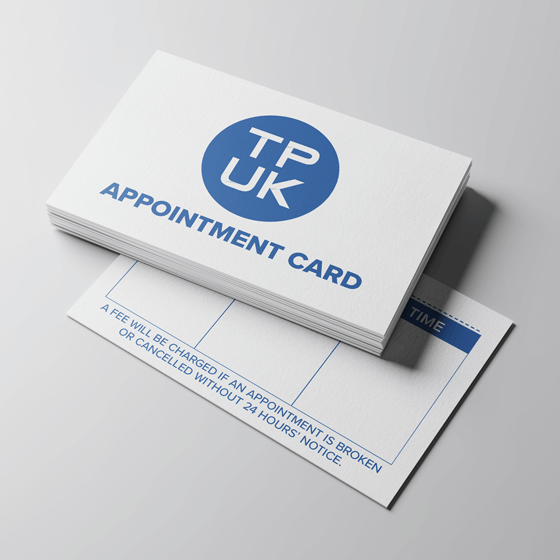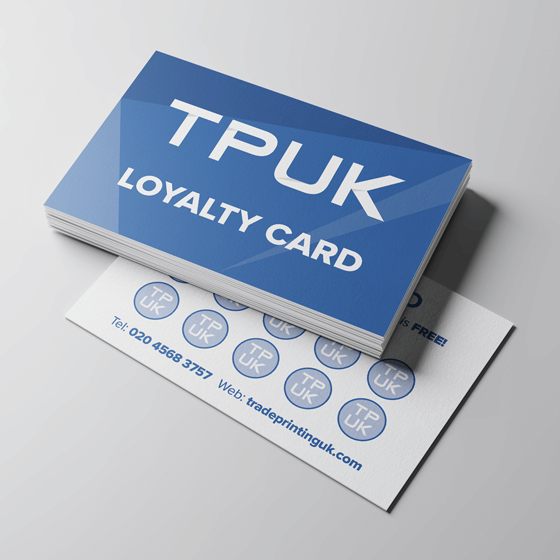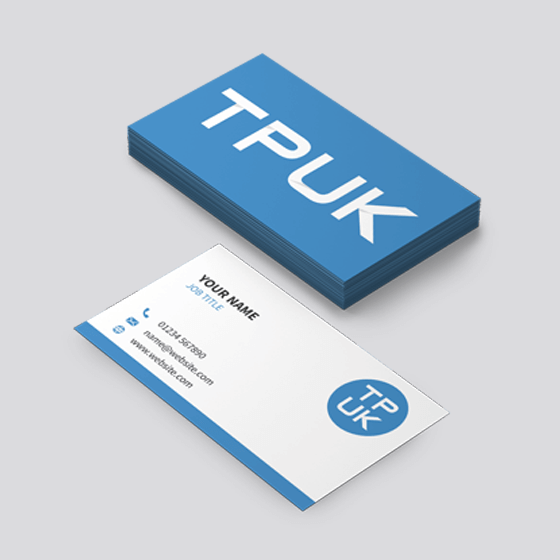
Top quality Business Cards printed CMYK full colour litho, with optional matt or gloss lamination also available.
Who are TradePrintingUK?
We are part of the Xpress Printing Group and were established in 1992. Based in Mallusk, Newtownabbey we pride ourselves in offering only the highest level of service and production quality to both the trade and retail.
We fully appreciate that the work we do is usually for Re-sale within the trade and our design and production teams realise that we are another manufacturing arm for your business and have pride in doing so.
We are only interested in helping you to meet YOUR customer's deadlines by providing fast turnarounds and quality printing to yourselves.
Our reputation is one of integrity - We will NEVER contact your customer directly!
We use strong, double-walled, generic white boxes. For packaging heavier items up to 30Kg we double-pack for even better transit strength.
Our mailing label is the only thing that will have a discreet return address (as PARCELFORCE require it obviously), but that will be easily removed once you receive it at your end. As far as your customer will be aware, their job was printed and produced BY YOU!
Artwork Templates
Free Artwork Templates are available in our Templates Section. You can download the one that suits and make changes to it yourself or we can do it for you. Let us know what template you would like to use along with the details you want on it and we'll provide you with the artwork. Useful for Invoice Books, Purchase Orders, Delivery Notes, Receipt Books, Work Dockets etc.
Re-Ordering jobs at a later date
We keep existing jobs in our archives and the digital artwork backed up onto DVD-R discs for at least 4 years, making Re-Ordering jobs much easier as far as colour matching, sequential numbering continuation etc.
Just phone us with a description of the previous job, quantity required and your details and we'll do the rest.
Terms and Conditions
Before ordering from TradePrintingUK.com you should read our Terms and Conditions.
Payment With Order
Due to our cheap printing prices, we only offer our services on a purely PAYMENT-WITH-ORDER* basis. Thus payment is required before production is started. Alternatively if you work on a ProForma-based invoice system whereby you've to raise an Purchase Order Number first before anything can proceed then we can work with you on that too. We can accept all types of regular UK Credit Card / Debit Cards (with exception to American Express), or you can use a BACS / CHAPS transfer, but that will require 3-4 additional working days' clearance. Business cheques will still require 6 working days for clearance before production begins. Our bank details are available on request from our Accounts dept.
*Printing.com franchises have a special arrangement in place. Please contact our Accounts dept for further details.
Credit / Debit Cards -- instant payment (you'll get up to 45 days credit with your Credit Card anyway) and production is initiated from day of payment.
Personal / Business Cheques -- 6 working days' clearance required before production proceeds
BACS transfer -- 3-4 working days' clearance required before production proceeds
CHAPS transfer -- 1-2 working days' clearance required before production proceeds
FPS transfer -- 1 working day clearance required.
Banks using FPS (at July 2008):
Abbey, Alliance and Leicester, Barclays, Citi, Clydesdale and Yorkshire Banks (National Australia Group), Co-operative Bank, HBOS, HSBC, Lloyds TSB, Nationwide Building Society, Northern Bank (Danske Bank), Northern Rock, and Royal Bank of Scotland Group (including NatWest and Ulster Bank).
But can I not have a 30-day Account? I've good references.
Our larger customers with established 30-day Accounts spend from £5k+ a year turnover.
But remember -- If you use your Credit Card you'll automatically be gaining up to 45 days' credit from your Bank anyway, which is even better terms than we could offer you.
So why do you need a Business Card from TradePrintingUK.com?
Business Cards are the cornerstone of your company's stationery. It's the perfect outlet for your brand and your image and the first point of contact for yourself and your colleagues in the company. Like it or not, other folks will judge you by how professional your business card is. You use them the first time you meet somebody new, for future meetings, to accompany samples; you use them with presentations; they're probably used more than other types of marketing and stationery so if they look shoddy, you can guarantee the other person will think your goods & services will be shoddy too. Companies that don't spend time on their business cards and other stationery can make their business look amateurish, home-made and out of touch with their specific marketplace. Again, if your business cards are shoddy your customers may well be put off and go elsewhere, so poorly designed Business Cards can severely affect your business and cost you money and a lot more than having something beautifully designed and professional in the first place. Don't scrimp on professional design either!
What type of card is available for the Business Cards that TradePrintingUK.com produce?
We use a professional (and we think very beautiful) 380gsm Silk Artboard. This is our most popular business card and is classy, high-end and gives you an incredibly professional image. We only print Litho (meaning a proper, big printing press, and not a big digital photocopier like some folks use!) and in high-definition thus the result is stunning picture and text quality.
What file formats do you accept?
TradePrintingUK prefered file format is a high-resolution PDF
What is your canvas size for printed Business Cards?
| Name |
Supply Artwork at |
Finished Trim Size |
| B/Card |
91mm x 61mm |
85mm x 55mm |
I've been working in RGB on CorelDraw or other non-Photoshop software. Why do the colours in the job look differently on my monitor when you send me the pre-production proof?
The colour gamut that is produced by rays on light (in RGB) on your monitor is much much wider than is physically achievable with any printing inks, which use a much smaller gamut.
What Bleed do you use?
If you have an image, text or other artwork that extends right to the edge of the page, the final dimensions must extend off the page and beyond the final trimmed dimensions of the job.
For NCR jobs -- add 3mm to each side (See further notes in our 'Supplying Artwork' section).
For Spot Colour jobs, add 3mm to each side.
For CMYK jobs like Flyers & Stationery, please add 1.5mm bleed to each side.
I want to have a Silver or Gold-type colour. Do TradePrintingUK.com use those inks?
We don't print with either Pantone 877 Silver or Pantone 871 Gold metallic inks. But there are workarounds to achieve something similar. There'll be no metallic fleck though.
To achieve Imitation Silver - use a tint of Black around 25%. You could also try a linear blend from 25% - 50% Black.
To achieve ImitationGold (out of CMYK process), we use a great full colour mix in the relevant products of 29C, 42M, 69Y which achieves delightful results.
Any good design tips?
1) Try and keep any important text you have (like addresses, phone numbers etc. at least 5-10mm away from the trimmed edge. That will allow for guillotine tolerance from the top of the paper pile to the bottom.
2) Don't print with white borders on your artwork. It just looks bad and will never be symmetrically even no matter how carefully it is printed & guillotined.
3) Note that Photoshop's default Black & White (the diagonal black & white blocks on the main tool bar on the left) aren't actually that. The White in that swatch is actually "Page White" meaning 1C, 2M, 2Y. The Black is a 4-plate Black by default of 91C, 81M, 81Y, 91K. So make up your own "Pure White" -- 0C 0M 0Y 0K and add that Swatch to the Swatches palette; and two different Blacks -- "Pure Black" -- 0C 0M 0Y 100K, and "SuperBlack" (for large areas of flat Black colour) - 50C, 0M, 0Y, 100K.
4) For Photoshop -- work in either Grayscale mode exclusively to make individual mono plates, or in CMYK only (just in Magenta & Black plates/channels). Do not work in RGB! That is for website use only.
5) In Illustrator, make sure you Create Outlines before submitting any jobs, or creating PDFs etc.
6) Work at a resolution of 350dpi for all design work, that way any fine text weights or small sizes (4pt to 6pt) will print much more clearly.
All text above is Copyright © TradePrintingUK.com / Xpress Printing Group 2008